
My Outlook Events for SharePoint
Create, customize, and automate SharePoint Online forms without writing a single line of code. Streamline your workflows with multi-level approvals, conditional logic, and intelligent notifications.
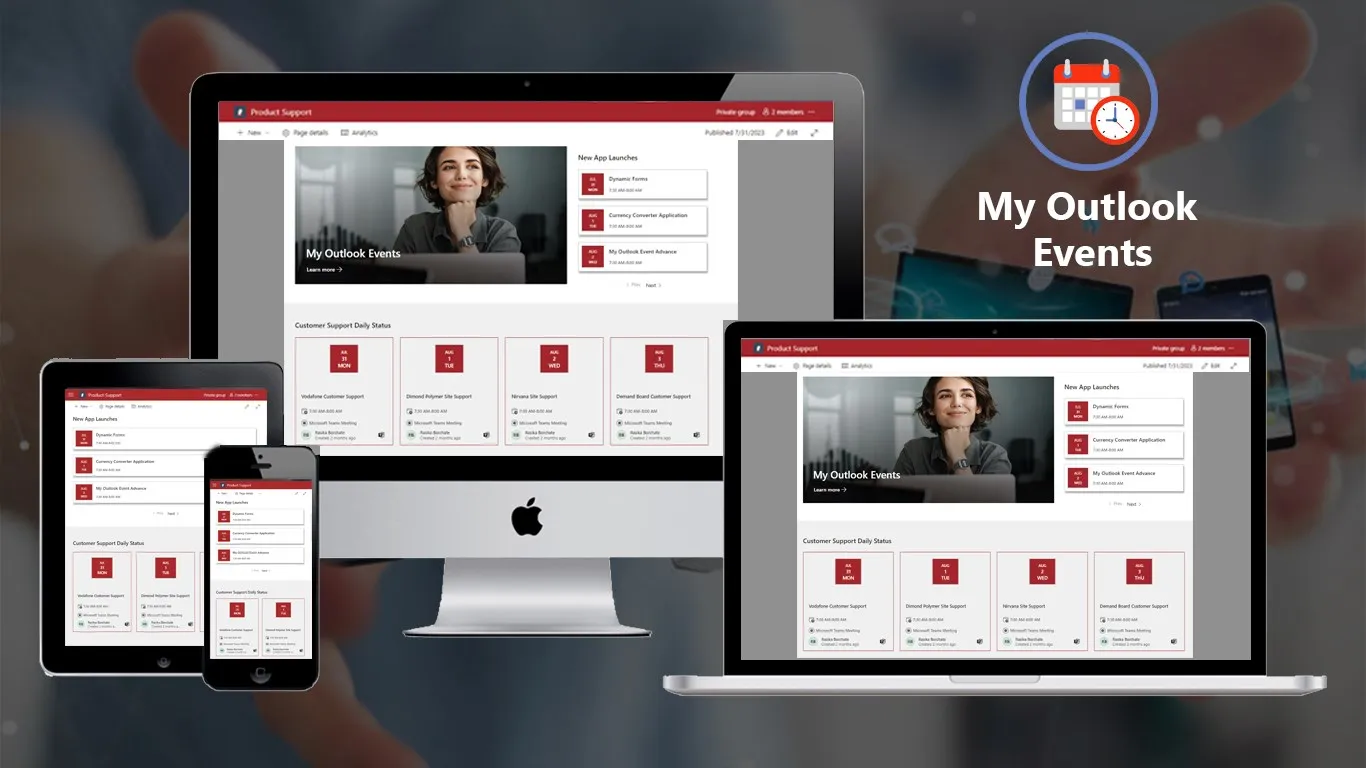
Stay On Top of Your Schedule Without Switching Apps
How to Get Started
3-Step Process
Step 1
Add to SharePoint Install My Outlook Events from Microsoft AppSource. Add the web part to any SharePoint page in seconds.
Step 2
Configure Your View Choose your custom heading, select time interval preference, and adjust display settings. No technical knowledge required.
Step 3
Stay Organized Your calendar events appear automatically. Click any event to view details or join meetings directly. Never miss another important call.
READY TO GET STARTED?
Start with a free trial of our applications or discuss building a custom solution for your unique needs
Why Choose Conais Applications?
Maximize your Microsoft 365 investment with expert SharePoint modernization, intelligent workflows, and ecosystem optimization. 100+ successful implementations.

- Microsoft AppSource Verified All applications officially published and verified by Microsoft. Enterprise-grade security and reliability.
- Built by Experts Who Implement We don’t just build apps – we implement solutions daily. Our apps solve real problems we’ve seen across 100+ projects.
- Easy Integration, Zero Friction Designed specifically for Microsoft 365 and SharePoint. Seamless integration with your existing environment.
- Continuous Updates & Support Regular feature updates, dedicated support team, and commitment to long-term maintenance.
01
Executive Dashboards
Display upcoming executive meetings on homepage dashboards. Leadership teams stay informed about critical meetings and deadlines.
Industry: Executive, Management
02
Team Coordination
Show shared team calendar events on department pages. Project teams align on deadlines, standups, and collaborative sessions.
Industry: Project Management, Operations
03
Meeting Room Displays
Display current and upcoming room bookings outside conference rooms. Facilities teams reduce scheduling conflicts and optimize space usage.
Industry: Facilities, Office Management
04
Personal Productivity
Embed your personal calendar view on your SharePoint homepage. Knowledge workers maintain focus with visible schedule reminders.
Industry: Individual Contributors, Remote Workers
Frequently Asked Questions
My Outlook Events works with SharePoint Online (Microsoft 365), SharePoint 2019, and SharePoint 2016. It connects to Outlook calendars through Exchange Online or Exchange Server.
Currently, My Outlook Events displays the logged-in user’s primary calendar. Each user sees their own events automatically. Shared calendar support is planned for future releases.
Yes! My Outlook Events displays all meeting types including Microsoft Teams, Zoom, Webex, and any other platform with join links in your calendar. One-click join works for all supported platforms.
The app requires read-only access to your Outlook calendar through Microsoft Graph API. It follows Azure AD authentication and respects all existing calendar permissions.
Yes! You can customize the heading, choose time intervals (All Upcoming, This Week, This Month, This Quarter), and adjust display density. Color and styling follow your SharePoint theme automatically.
My Outlook Events respects your calendar privacy settings. Events marked as “Private” in Outlook will show only as “Busy” without displaying details.
Calendar events sync automatically in near real-time. When you add, modify, or delete events in Outlook, changes appear in SharePoint within minutes.
Currently, filtering is available by time period. Additional filtering options (by category, organizer, or meeting type) are planned for future updates based on customer feedback.
100+ projects delivered. Let's talk about yours.
Send us the process that’s costing your team the most time. Within one business day you’ll get an honest read from people who’ve built this before — including whether we think it’s worth doing at all.
Start Your AI Journey Today
Get a free AI readiness assessment and discover how AI can transform your operations